
How to install an add-on car on your FiveM server
Step-by-step: add an add-on car to your FiveM server, write the fxmanifest, add it to ESX, QBCore or QBox and spawn it in game.
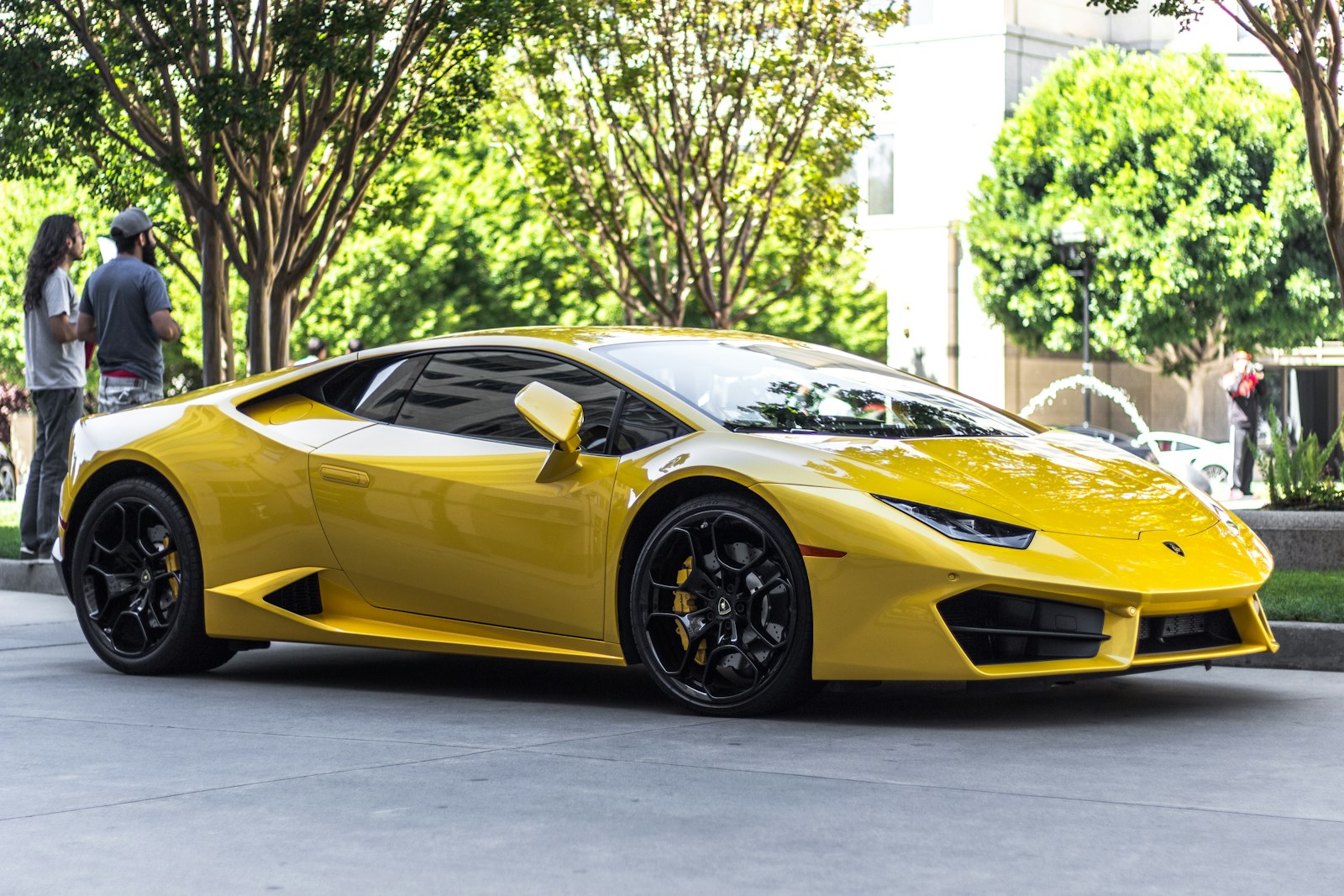
Adding a car to a FiveM server is a ten-minute job once you have done it twice. This guide walks through the whole thing on a fresh server: where the files go, what the manifest has to say, how to get the car into ESX, QBCore or QBox, and how to spawn it to test. It is written for add-on vehicles, which is how every GKModz car ships: nothing in the base game is replaced.
1. Understand what is in the download
An add-on vehicle resource is a folder with two kinds of files:
- Streamed assets in a
stream/folder: the model (.yft), the high-detail model (_hi.yft) and the textures (.ytd). The server streams these to every client automatically. - Data files in a
data/folder:vehicles.meta(what the car is),handling.meta(how it drives),carvariations.meta(colours, liveries, kits) andcarcols.meta(tuning parts, lights, sirens). These are plain XML and you are expected to edit them.
The glue between them is fxmanifest.lua, the resource manifest FiveM reads when it starts a resource.
2. Put the folder in your resources directory
Copy the vehicle folder into resources/. Keep the name short, lower-case and without spaces: gk_turismo, not GK Turismo (final). Spaces and brackets in a resource name are the most common reason a car "does nothing" after install.
Many servers keep third-party content in a bracketed group folder such as resources/[cars]/. Brackets on a parent folder are fine; FiveM treats them as categories and still finds the resource inside.
3. Check the manifest
Open fxmanifest.lua. A correct add-on vehicle manifest looks like this:
fx_version 'cerulean'
game 'gta5'

files {
    'data/vehicles.meta',
    'data/handling.meta',
    'data/carvariations.meta',
    'data/carcols.meta',
}

data_file 'VEHICLE_METADATA_FILE'  'data/vehicles.meta'
data_file 'HANDLING_FILE'          'data/handling.meta'
data_file 'VEHICLE_VARIATION_FILE' 'data/carvariations.meta'
data_file 'CARCOLS_FILE'           'data/carcols.meta'
Three things matter here. fx_version and game 'gta5' are required by FiveM for every resource. Every meta file has to be listed in files { } so it is sent to clients, and registered with the matching data_file line so the game loads it as the right type. If a file is in data/ but missing from either list, the car may spawn with default handling or no tuning.
4. Start the resource
Open server.cfg and add a line for the resource. Put it after your framework and vehicle shop resources so they can read the vehicle data when they start:
ensure gk_turismoIf the server is already running, type refresh in the console so FiveM rescans the resources folder, then ensure gk_turismo. ensure starts the resource, or restarts it if it was already running, which is why it is preferred over start.
5. Spawn it to test
The spawn name is listed on every GKModz product page and is also the <modelName> value inside vehicles.meta. How you spawn depends on your tools:
- vMenu: Vehicle Related Options → Vehicle Spawner → Spawn Vehicle By Model Name.
- txAdmin or admin menus: most include a "spawn vehicle" field that takes the model name.
- ESX / QBCore commands:
/car gk_turismoif your admin script provides it.
If the model spawns but looks like a different car, the model name is wrong. If nothing spawns and the console says the resource started, check the console on the client (F8) for a streaming error, which usually means a file is missing from the stream/ folder.
6. Add it to your framework
Spawning works without a framework, but a vehicle shop, garage or key system needs to know the car exists.
QBCore
Add an entry to qb-core/shared/vehicles.lua:
['gk_turismo'] = {
    ['name'] = 'Turismo Classic',
    ['brand'] = 'Grotti',
    ['model'] = 'gk_turismo',
    ['price'] = 185000,
    ['category'] = 'sports',
    ['hash'] = `gk_turismo`,
    ['shop'] = 'pdm',
},
Restart qb-core (or the whole server) so the shared table reloads.
QBox
QBox uses the same shape of table in qbx_core/shared/vehicles.lua, with the model name as the key. Set price, category and shop the same way.
ESX
ESX reads vehicles from the database. Insert a row into the vehicles table, for example:
INSERT INTO `vehicles` (`name`, `model`, `price`, `category`)
VALUES ('Turismo Classic', 'gk_turismo', 185000, 'sports');
The category must match one that exists in vehicle_categories or the car will not show in the shop.
7. Tune it for your city (optional)
Everything you might want to change is in plain text:
| Want to change | Edit this |
|---|---|
| Top speed, grip, braking, weight | data/handling.meta |
| Default colours, which liveries load | data/carvariations.meta |
| Tuning parts, neon, siren setup | data/carcols.meta |
| Display name shown in menus | vehicles.meta → gameName, plus your framework table |
After editing a meta file, ensure the resource again. Players need to rejoin for handling changes to apply to them.
8. When something goes wrong
- Car spawns as another model or not at all: wrong spawn name, or the resource never started. Check the server console for "Started resource gk_turismo".
- Textures look blurry or purple: a texture file is missing from
stream/, or the server is hitting its streaming budget. Removing replace-packs you no longer use helps more than anything else. - No tuning in the mod shop:
carcols.metais not registered in the manifest, or another resource defines a tuning kit with the same ID. Our kits use unique IDs, so look for a conflicting pack. - Server says "resource couldn't be started": a typo in
fxmanifest.lua. The console prints the line number.
Still stuck? Contact us on our Discord with your server console log and the asset name. If we confirm a bug, the fix ships as an update to the same asset in Keymaster.